Repository header banners for your README — your logo, a premade shadcn-styled background, a title, and a tagline, all from one image URL.
Repository headers are banner images for the top of your README. You get a logo, a premade background, a title, and a tagline, rendered as a portable SVG (or PNG) served entirely from shieldcn. Everything is encoded in the image URL, so the banner works anywhere a Markdown image does and never needs a build step.
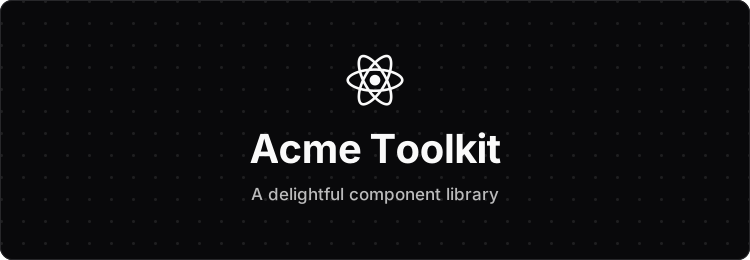The fastest way to make a header is the interactive generator. Pick a background, add your logo and text, choose a size and theme, then copy the Markdown.
Headers follow the same pattern as the rest of shieldcn. The preset is an optional path segment, and every option is a query parameter.
/header/{preset}.svg     SVG banner
/header/{preset}.png     PNG banner
/header/{preset}.json    resolved config (JSON)
/header.svg              default preset (surface)
Drop it into your README with a Markdown image:
Or center it with an HTML block:
<p align="center">
  <img src="https://shieldcn.dev/header/glow.svg?title=Acme+Toolkit&subtitle=A+delightful+component+library&logo=react&theme=blue" alt="Acme Toolkit" />
</p>Seven premade backgrounds ship out of the box. Each is built on a neutral zinc
surface and works in both dark and light mode. Set the preset as the path
segment, for example /header/glow.svg.
| Preset | Description |
|---|---|
surface | Clean flat zinc surface. The default. |
gradient | Subtle neutral vertical gradient. |
dots | Dot grid over the surface. |
grid | Line grid over the surface. |
graph | Fine and coarse graph paper. |
glow | Soft themed spotlight from the top. |
transparent | No surface fill — blends into the page. |
glow preset, blue theme
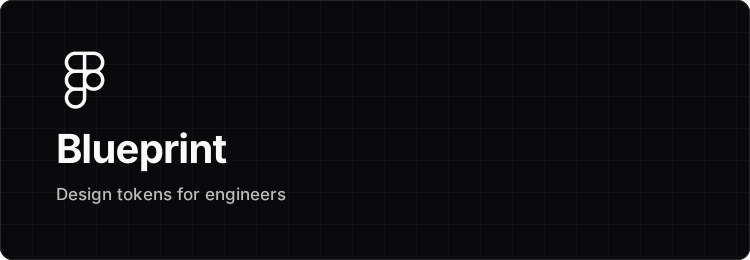
grid preset, left aligned
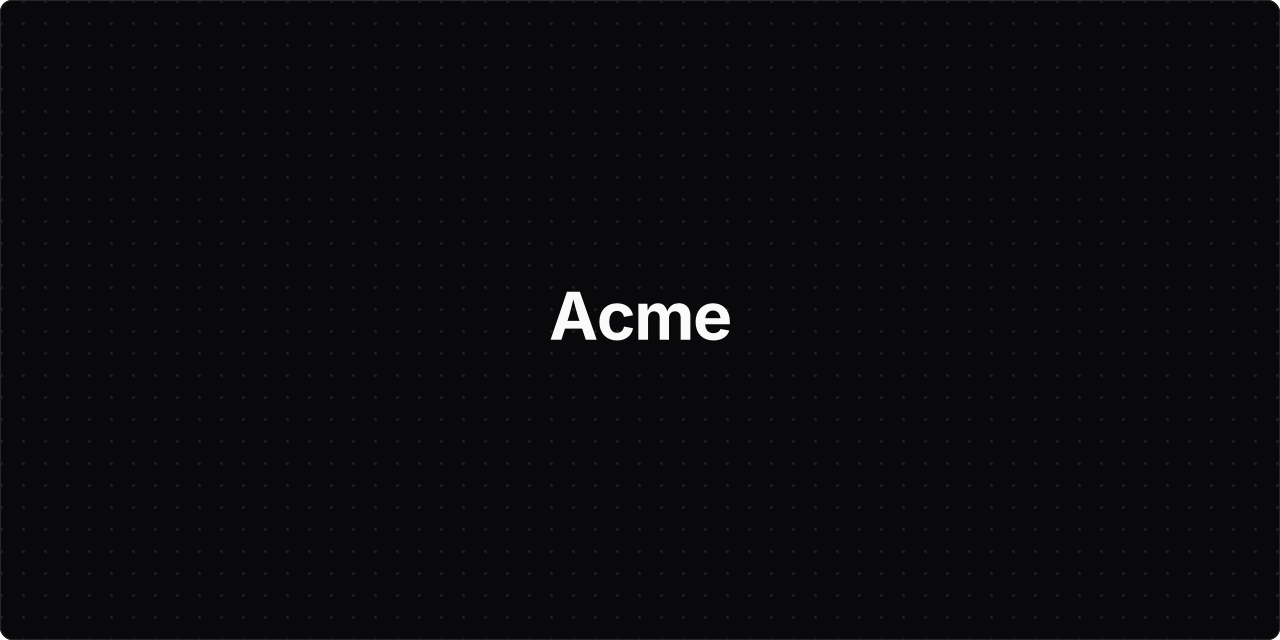
transparent preset — only the border and content render
Use the size parameter for a named canvas, or set width and height
directly. The default banner is sized to the GitHub README content column so
it renders crisply without being downscaled.
| Size | Dimensions | Use |
|---|---|---|
banner | 750 × 260 | README header. The default. |
wide | 1280 × 400 | Full-width hero. |
social | 1280 × 640 | GitHub social-preview slot. |
square | 640 × 640 | Avatar or card. |
The logo parameter accepts the same sources as badges: a SimpleIcons slug
(react), a React Icons name (ri:FaReact), a Lucide name (lu:Rocket), a
data: URI, or a remote https:// image URL. Remote images and data URIs let
you use your own logo. In the header builder and the
studio, the Upload logo control accepts an SVG, PNG, JPG, or
WebP file (or a pasted data URI / image URL) and encodes it straight into the
URL — nothing is stored on the server.
Set logoColor to a hex value (without #) to recolor a path-based icon, or
use logoColor=brand to paint a SimpleIcon in its brand color. Pass
logo=false to hide the logo.
The theme parameter tints the accent — the glow on the glow preset and the
default logo accent — using the same vocabulary as badges: zinc, slate,
blue, green, rose, orange, violet, purple, cyan, and emerald.
For full control, override colors directly:
bg — a solid background color, or transparent.gradient — comma-separated hex stops with an optional trailing angle, for
example gradient=6366f1,8b5cf6,135.titleColor and subtitleColor — text colors.glow — the spotlight color.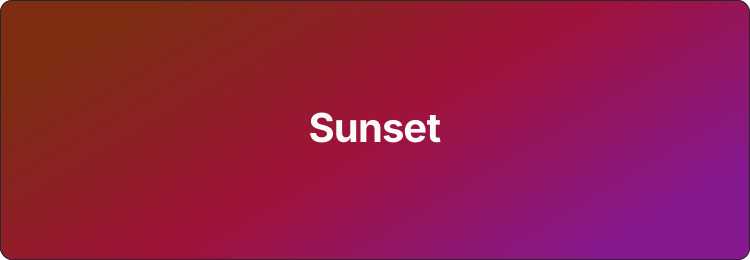Headers are centered by default. Set align=left to left-align the logo,
title, and subtitle. The hairline card border is on by default — pass
border=false to remove it, and watermark=true to add a small shieldcn.dev
mark in the corner.
Every header reads correctly in both modes. Pass mode=light or mode=dark,
or pair two images in a <picture> element so the banner follows the reader's
GitHub theme. See Light & Dark Mode.
All header parameters, in addition to the shared mode, theme, and font
parameters from the API reference.
| Parameter | Values | Default |
|---|---|---|
title | string | — |
subtitle | string | — |
logo | slug, ri:Name, lu:Name, data: URI, https://…, or false | — |
logoColor | hex without #, or brand | auto |
size | banner, wide, social, square | banner |
width | 240–2400 (px) | per size |
height | 100–1600 (px) | per size |
align | center, left | center |
bg | hex without #, or transparent | preset |
gradient | comma-separated hex stops, optional trailing angle | — |
glow | hex without # | per preset |
accent | hex without # | theme |
titleColor | hex without # | auto |
subtitleColor | hex without # | auto |
radius | 0–120 (px) | 12 |
border | true, false | true |
watermark | true, false | false |
pattern | dots, grid, graph, none | preset |
Headers are rendered on demand from the URL — there is no external data fetch,
so they are fast and never rate-limited. Remote logo images are fetched once
and cached for 24 hours.